When creative teams brainstorm new design concepts or draft copy, they often explore various digital tools to accelerate their workflow. Choosing an unrestricted ai assistant can seem like a fast way to move past the creative roadblocks of standard models, but it also introduces practical risks that deserve careful review. While these tools offer temporary flexibility, they need thoughtful evaluation to protect proprietary data and client trust. At Artfull Journey, we focus on creative tools and practical digital workflows, and understanding how these systems operate is key to protecting your work. A clear evaluation process helps teams avoid trading security for convenience.
As the landscape of generative model safety filters evolves, teams should distinguish between mainstream applications and platforms with fewer restrictions. Finding the right balance involves understanding the specific needs of your creative projects and how different systems handle data retention. Relying blindly on any tool can lead to significant problems down the line, especially when dealing with client assets or private information. Rather than rushing to adopt every new platform, taking a methodical approach to evaluating these tools will save time and prevent operational issues.
Understanding What “Unfiltered” Means in a Creative Context
In discussions about generative systems, creative teams often seek models with fewer restrictions to unlock broader brainstorming potential. When creators use the term “unfiltered” or “unrestricted” AI, they are typically referring to models with fewer refusals, looser style controls, broader roleplay capabilities, or less restrictive outputs. Mainstream assistants often refuse to write about sensitive, dramatic, or highly competitive scenarios. For writers working on complex fiction, dramatic scripts, or edgy marketing campaigns, these refusals can interrupt the brainstorming flow. By contrast, an unrestricted system allows for raw, uninterrupted ideation across a wider range of themes.
However, fewer guardrails do not automatically mean better results. A common misconception is that a tool without safety filters is inherently more creative. In reality, safety tuning and alignment processes often help structure model outputs, making them more coherent and responsive to detailed prompts. Without these structures, unfiltered outputs can quickly degrade into repetitive, chaotic, or irrelevant text. Furthermore, the absence of filters means the model is more likely to generate biased or offensive content, which can be problematic if integrated into client deliverables. When evaluating these systems, deciding on a KKCB messenger bot download or similar interactive tools highlights the importance of analyzing monetization and privacy policies before integration.
For creative professionals, the goal is not to find a tool with zero limitations, but rather one that aligns with their specific workflow requirements. Some teams require highly structured assistants that prioritize brand safety, while others might need a separate sandbox environment for raw conceptual development. Understanding the technical boundaries of each model allows teams to select the appropriate tool for each phase of their creative pipeline. This helps the team remain productive without exposing the business to unnecessary risks.
The Safe Evaluation Workflow for Creative Teams
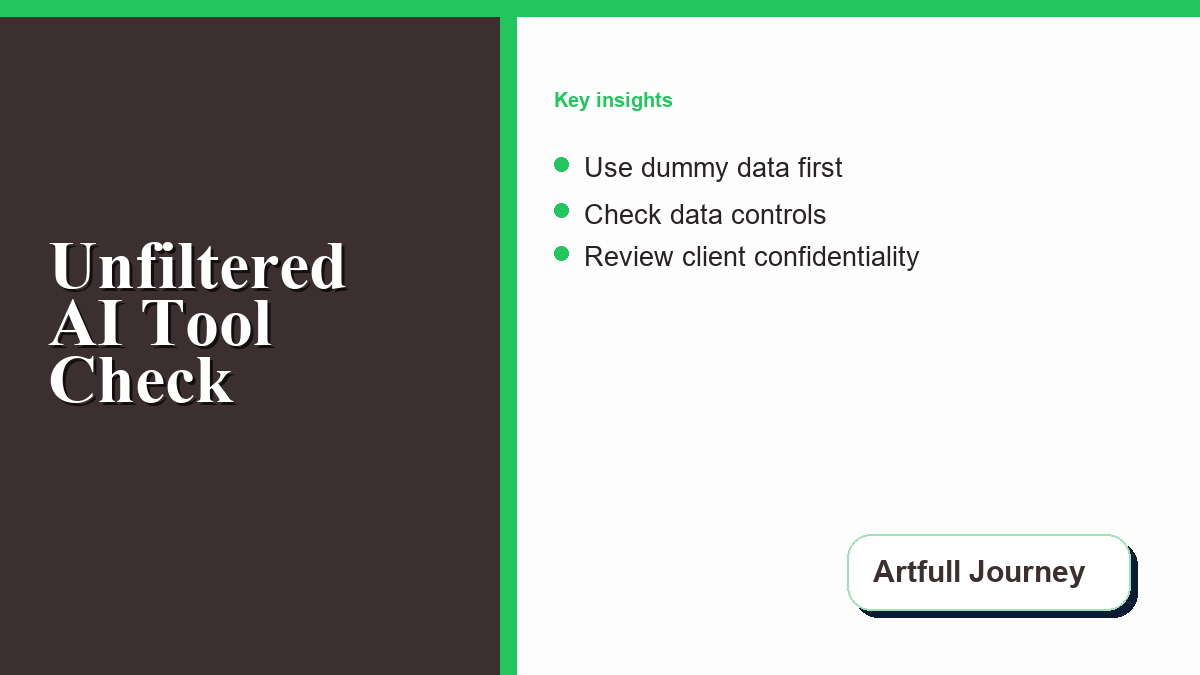
To safely explore new systems, creative teams should establish a rigorous evaluation workflow. Because digital policies and software frameworks update frequently, you cannot assume a tool remains private or secure over time. Implementing a structured testing phase helps teams identify potential issues before a tool is used for client projects or internal production. When testing a new unrestricted ai chatbot for client projects, teams should establish a sandboxed environment where no sensitive or client-owned assets are shared.
A reliable evaluation workflow consists of the following steps:
- Use dummy data: Avoid inputting proprietary client data, real names, or copyrighted materials during testing. Use placeholder information to test the chatbot’s capabilities safely.
- Test output boundaries: Prompt the model to check how it handles tone, style, and sensitive subject matter. Document where the model generates incoherent or irrelevant responses.
- Check data controls: Verify whether the platform uses inputs to train future models. Detailed settings are explained in the OpenAI data controls FAQ, which shows how users can manage their search history.
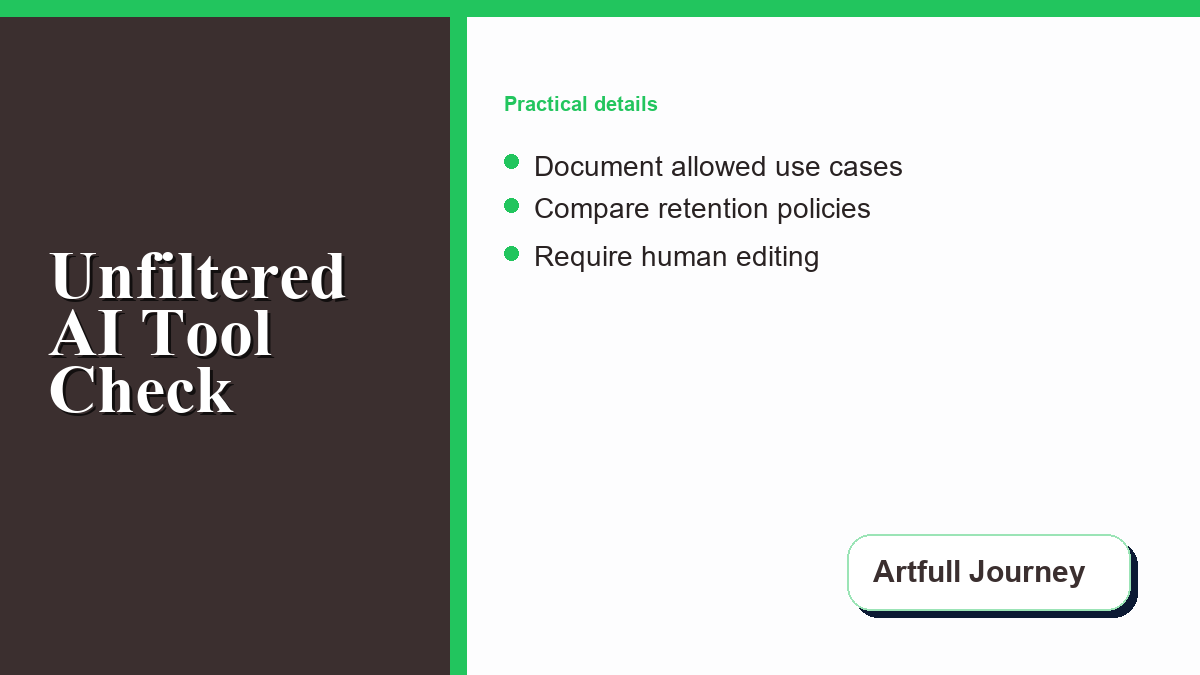
- Document allowed use cases: Clear internal guidelines should specify which team members can access specific platforms and for what types of tasks (e.g., conceptual brainstorming vs. final drafting).
- Review client confidentiality: Check client contracts to ensure that using AI tools does not violate non-disclosure agreements or intellectual property clauses.
- Check export and delete controls: Ensure the platform allows you to completely purge prompt history and download your data if you decide to discontinue using the service.
- Require human review: Every piece of text or design concept generated by AI should undergo thorough human editing and compliance checks before it is finalized.
Comparing AI Tool Categories for Creative Workflows
Creative teams have access to a wide variety of tools, ranging from enterprise-grade platforms to lightly identified web applications. Understanding the distinctions between these categories helps teams choose the right level of privacy and flexibility for their projects. While some platforms offer robust data protection, others operate with minimal accountability, making them unsuitable for professional environments. Teams should compare these options carefully based on their specific business needs.
| Tool Category | Brainstorming Flexibility | Data Privacy Level | Client Work Readiness | Key Risk Factor |
|---|---|---|---|---|
| Mainstream AI Assistants | Moderate (Strict content filters and safety policies) | High (Enterprise options with opt-out settings) | Ready (With appropriate commercial licensing) | Frequent refusals on sensitive creative topics |
| Creative Writing Tools | High (Looser filters tailored for fiction/drama) | Moderate (Varies by provider and terms) | Conditional (Check terms of service carefully) | Potential data exposure if training is enabled by default |
| Open Model Front Ends | Very High (User controls model selection and settings) | High (When run locally or via private API) | Ready (If self-hosted and properly secured) | Requires technical expertise to set up and maintain |
| Anonymous Chat Sites | High (Minimal or no content moderation) | Low (Often unclear data storage and sharing policies) | Not Ready (Unsuitable for commercial use cases) | High risk of data leakage and lack of accountability |
When selecting a platform, reviewing official documentation is critical to understanding data protection. For instance, Google’s settings can be configured through the Google Gemini Apps Privacy Hub, while enterprise users can leverage the Microsoft Copilot privacy and protections framework to secure their workspaces. Additionally, discussions regarding whether Anthropic acts as a data processor or controller highlight how developers distinguish between consumer and commercial data management. Beyond content creation, some teams look at automation options, such as analyzing how a chatbot earning app can optimize administrative workflows, though data security remains the top priority.
Assessing Client Risks and Brand Safety
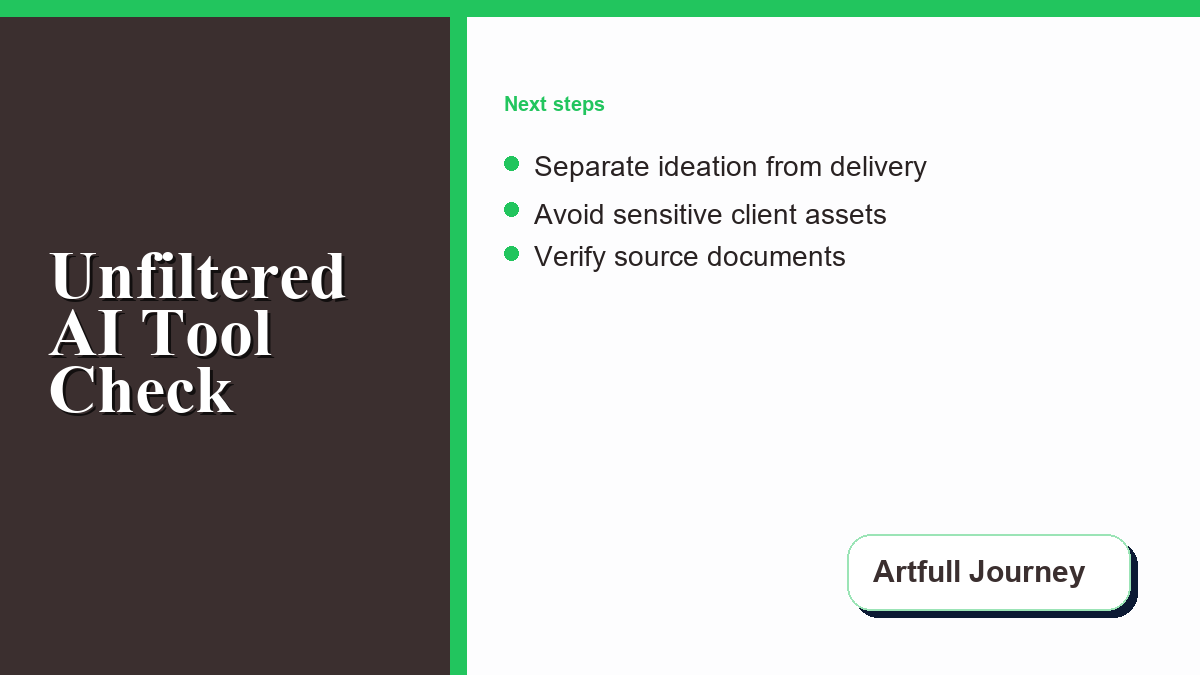
The primary concern for any professional creative team is protecting client interests. While an unrestricted chat site might be acceptable for low-risk, abstract ideation–such as brainstorming generic metaphors or fictional world-building concepts–it is entirely unsuitable for client deliverables, private data analysis, legal claims, or brand-sensitive output. If proprietary client information is pasted into an insecure model, it could be exposed to third parties or integrated into training datasets, creating a severe breach of contract.
Furthermore, because policies, data settings, and retention controls can change, teams should verify official documentation before adopting a tool. OpenAI’s data controls guidance is a useful example of why teams should understand account-level settings before they place real work into an assistant. Teams should establish a habit of ongoing monitoring, checking for updates to privacy agreements at least once every quarter. This proactive approach helps protect the team from sudden changes in data usage terms.
Relying on unregulated outputs can also lead to issues with brand reputation. If an AI generates content that contains plagiarism, false information, or biased statements, the creative agency can still be held responsible. Human oversight remains the single most important factor in maintaining brand safety. Creative work should be vetted by a professional editor before client delivery.
Frequently Asked Questions
Can unfiltered AI chat tools be used for client deliverables?
Generally, no. Unrestricted platforms often lack clear data ownership terms and may not provide strong data privacy controls. Pasting client briefs or proprietary information into these tools risks data leakage. Mainstream platforms with enterprise agreements and explicit privacy controls are much better suited for commercial work.
What is the difference between data processors and data controllers in AI?
A data processor handles data on behalf of another entity under strict instructions, while a data controller determines the purposes and means of processing the data. Knowing which role your AI provider assumes helps determine your level of liability and how your creative data is managed.
How can creative teams prevent AI models from training on their inputs?
Teams should check the data settings of their AI platform. Many services offer an opt-out toggle or let users disable chat history to prevent inputs from being used in training. For enterprise accounts, providers often include stronger commitments around model improvement and data use.
Are there local alternatives to online AI chat tools?
Yes. Creative teams can run open-source models locally on their own hardware using front-end interfaces. This approach provides complete control over data privacy, as no prompts or outputs are sent over the internet, though it requires powerful hardware to run efficiently.
Why do some creative prompts trigger refusals on standard AI platforms?
Standard platforms use safety filters to block content related to violence, self-harm, harassment, or illegal activities. However, these filters can also block benign creative writing, such as fictional conflict or competitive marketing analysis, prompting creators to seek tools with fewer restrictions.




0 Comments